Your BONUS content, to use with Expert Course Business masterclass and any course you will be creating and selling
Click the buttons below to download. Files are available in different formats, depending on the file. It may include: PDF, JPG, PNG, Kindle, ePub.
After clicking you are prompted to download the files from Mega. This is a secure transfer service for files.
NOTE: There is no need to create an account on Mega. You can simply download the files. These files will remain available for you here, so you can keep them stored in here if you want.
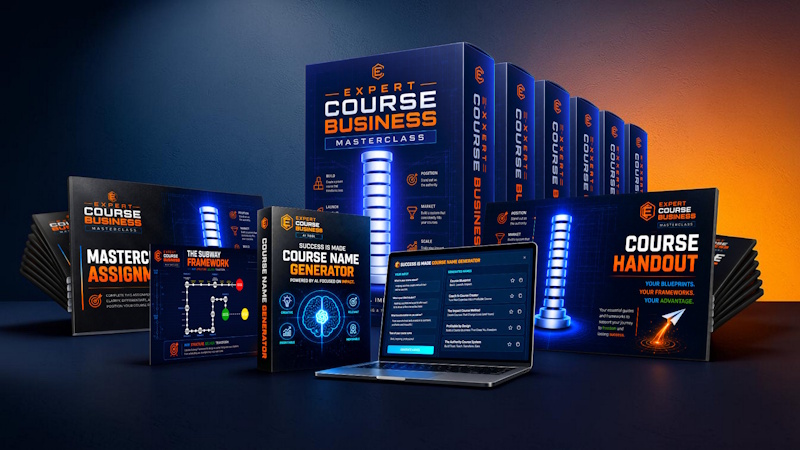
Welcome to your bonus area. These resources are here to help you move faster, make better decisions, and turn the masterclass into real output.
Use the bonuses in order if you want the smoothest path. Bonus 1 helps you write the sales page. Bonus 2 gives you the sales page structure. Bonus 3 helps you strengthen your offer. Bonus 4 helps you create a stronger promise and headline. Bonus 5 helps you understand your ideal customer. Bonus 6 helps you turn the offer into a clear video sales message.
Recommended Order
If you are not sure where to start, use the bonuses in this order:
Bonus 5: Ideal Customer Persona Template
Bonus 4: Big Promise & Headline Builder
Bonus 3: Offer Value Builder
Bonus 2: Sales Page Elements Cheat Sheet
Bonus 1: SalesPage GPT
Bonus 6: Video Sales Page Value Script
This order helps you move from clarity to offer, from offer to sales page, and from sales page to video message.
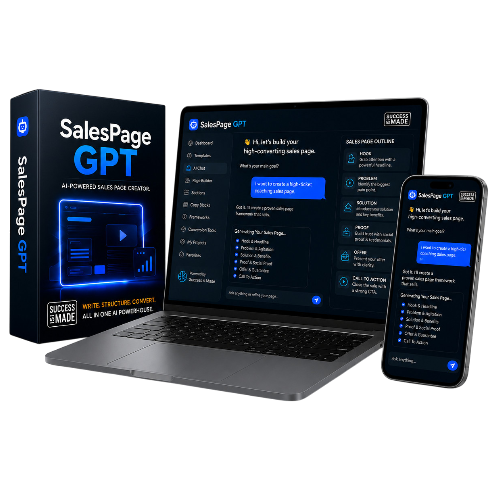
What this is
SalesPage GPT helps you create sales page copy for your course product faster, using the course, offer, promise, and ideal customer details you define during the masterclass.
How to use it
Open SalesPage GPT using the link below.
Start with your course idea, ideal customer, and Big Promise.
Use your Bonus 4 and Bonus 5 answers to make the output more specific.
Generate your first sales page draft.
Edit the copy so it sounds like you and matches your actual offer.
Best used after
Use this after you have filled in your Ideal Customer Persona and Big Promise work. The better your input, the stronger your sales page output will be.
Your next step
Click the SalesPage GPT link and create your first sales page draft.
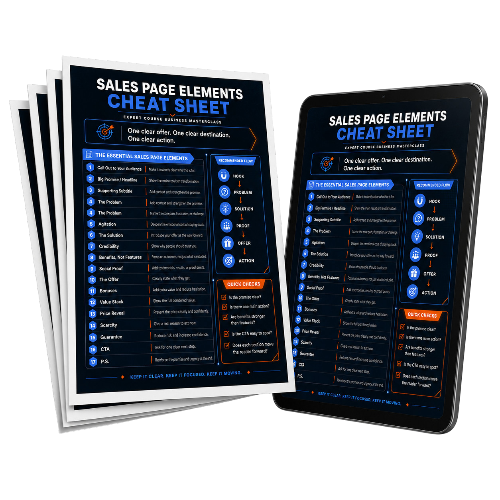
What this is
This cheat sheet gives you a quick overview of the core elements that make a sales page clear, persuasive, and easy to follow.
How to use it
Open the format you prefer: PDF, Word, or another available version.
Read through the sales page sections before writing your page.
Use it as a checklist while building your own page.
Compare your sales page draft with the cheat sheet.
Add any missing sections before publishing or sharing your offer.
Best used after
Use this before and during your SalesPage GPT work. It helps you understand what each section is supposed to do.
Your next step
Download the file format that works best for you and keep it open while writing your sales page.
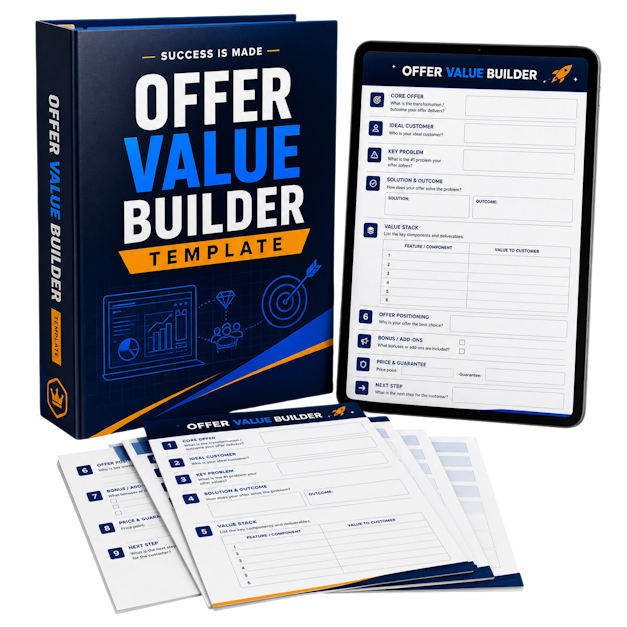
What this is
The Offer Value Builder helps you decide what to include with your course so your offer feels more useful, complete, and valuable to your future students.
It is not about adding random bonuses. It is about adding the right resources, tools, support, and shortcuts that help your students get the result.
How to use it
Start by writing down the result your course helps students create.
Identify what could make that result hard, slow, confusing, or scary for them.
Choose value boosters that remove those obstacles.
Pick 3 to 5 additions that genuinely improve the student experience.
Write a simple value description for each addition.
Best used after
Use this after you have a clear course idea and before finalizing your offer, bonuses, and sales page.
Your next step
Open the Offer Value Builder and choose the best additions for your own course offer.
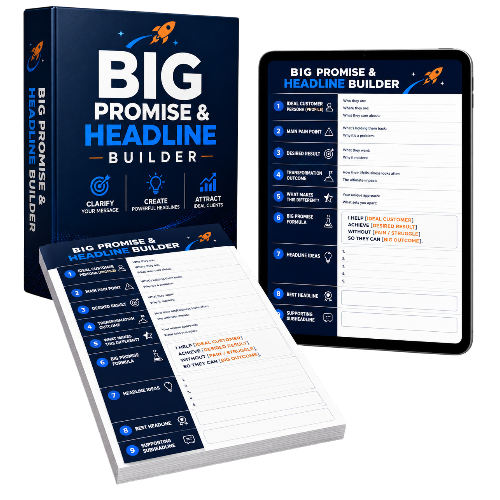
What this is
The Big Promise & Headline Builder helps you turn your course outcome into a clear, specific, believable promise and a headline you can use on your sales page.
This helps your ideal customer quickly understand who the course is for, what result it helps them create, and why they should keep reading.
Files included
Workbook: use this to define the promise and work through the headline formulas.
Scorecard: use this to compare multiple headline options.
Prompt Pack: use this with AI or SalesPage GPT to generate and improve headline ideas.
How to use it
Start with the workbook.
Define who your course is for and what transformation they want.
Write your first Big Promise draft.
Use the headline formulas to create at least 10 headline options.
Paste your best options into the scorecard.
Score each headline for clarity, specificity, desirability, believability, and difference.
Use the prompt pack if you want AI help improving your best headline.
Best used after
Use this after Bonus 5 if possible. Your headline becomes much stronger when you already understand your Ideal Customer Persona.
Your next step
Open the workbook first and create your Big Promise draft. Then use the scorecard to choose your strongest headline.
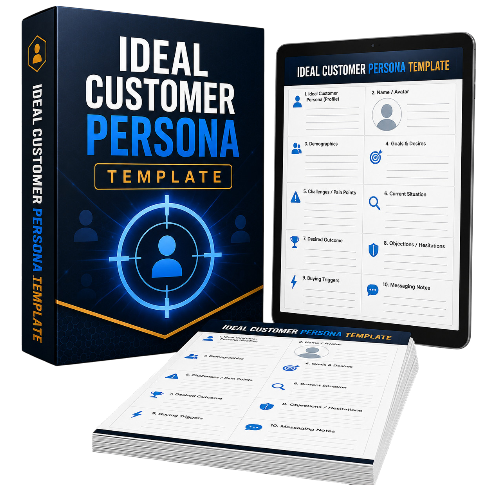
What this is
The Ideal Customer Persona Template helps you understand who your course is really for, what they want, what they struggle with, what they are afraid of, and what they need to hear before they feel ready to buy.
This makes your course, offer, sales page, bonuses, and emails more specific.
Files included
Workbook: use this for the full guided persona process.
Persona Canvas: use this to organize your persona, Subway Framework, voice-of-customer language, messaging map, and course-fit checks.
Prompt Pack: use this with AI to deepen your persona and improve your messaging.
How to use it
Start with one clear type of student, not everyone who could possibly buy.
Fill in the Persona Snapshot.
Define their desired outcome and current problem.
Map their beliefs, fears, objections, and buying triggers.
Use the Subway Framework to describe the journey from where they are now to where they want to be.
Collect words and phrases they might actually use.
Use the final persona profile to improve your course promise, sales page, bonuses, and emails.
Best used after
Use this once you have a course direction, but before finalizing your promise, headline, sales page, or offer.
Your next step
Open the workbook and fill in the Persona Snapshot. Then use the Persona Canvas to turn your answers into usable messaging.
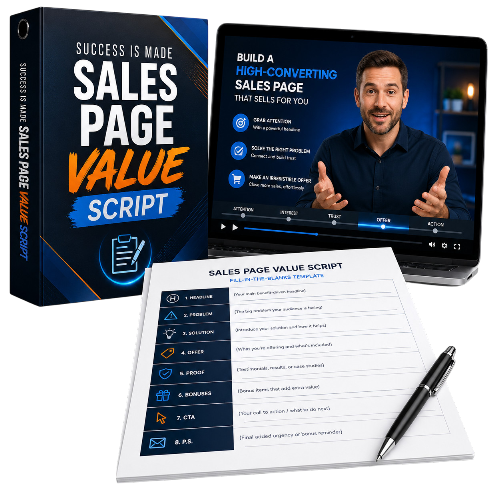
What this is
The Video Sales Page Value Script helps you create a clear, personal, persuasive video message for your course sales page.
Use it when you want to explain your offer on video, speak directly to your ideal customer, and guide them toward the next step without sounding pushy or fake.
Files included
Script Workbook: use this to build the message step by step.
Video Script Planner: use this to plan each scene, estimate timing, and organize visuals.
Prompt Pack: use this with AI to draft hooks, script sections, offer explanations, and calls to action.
How to use it
Start with your course name, ideal customer, current problem, desired outcome, and Big Promise.
Fill in the video flow: hook, problem, possibility, promise, course value, proof, offer, guarantee, CTA, and closing.
Use the planner to organize each script section.
Add visual notes for what should appear on screen.
Estimate the length of each section.
Read the script out loud and simplify anything that sounds unnatural.
Record a simple first version before trying to make it perfect.
Best used after
Use this after Bonus 4 and Bonus 5. Your video script will be much stronger when you already know your ideal customer and Big Promise.
Your next step
Open the Script Workbook and write the first version of your hook. Then use the Video Script Planner to build the full message.
Unlock your online success with Success is Made - the ultimate resource for aspiring entrepreneurs.
Sign up for our Newsletter

Copyright 2023 by Contained Concepts